NMEA is how a depth sounder, a heading sensor, or a GPS can speak once so several displays hear the same sentence. NMEA 0183 is the older one-talker link. NMEA 2000 is the shared backbone. It stops being trustworthy when two devices both claim to be the position source and the display has not been told which one to believe.
Right for this job: Explaining how one sensor’s depth, heading, or position message can reach several listeners, and why you must pick a single GPS source on the display when more than one unit can report position.
Wrong for this job: A chart-versus-fix datum mismatch (covered in How to read a chartplotter when the chart and the GPS disagree), a lost antenna, or treating dock Wi‑Fi as the navigation network.
The number that decides it: How many devices on your boat are allowed to act as the preferred GPS (position) source for each display—ideally one deliberate choice, not two unchecked claimants.
What the spec leaves out: Your boat’s actual source list, menu names, and which physical GPS, depth sounder, or heading sensor is feeding which screen.
Check before you rely on it: On each plotter or instrument display, open the GPS/data-source setting and confirm which device is selected; then compare depth or heading on two screens that should match.
Last checked: September 29, 2026
What one sentence is doing on the wire—and how 0183 differs from 2000
,_Sea_Fighter_(FSF_1).jpg)
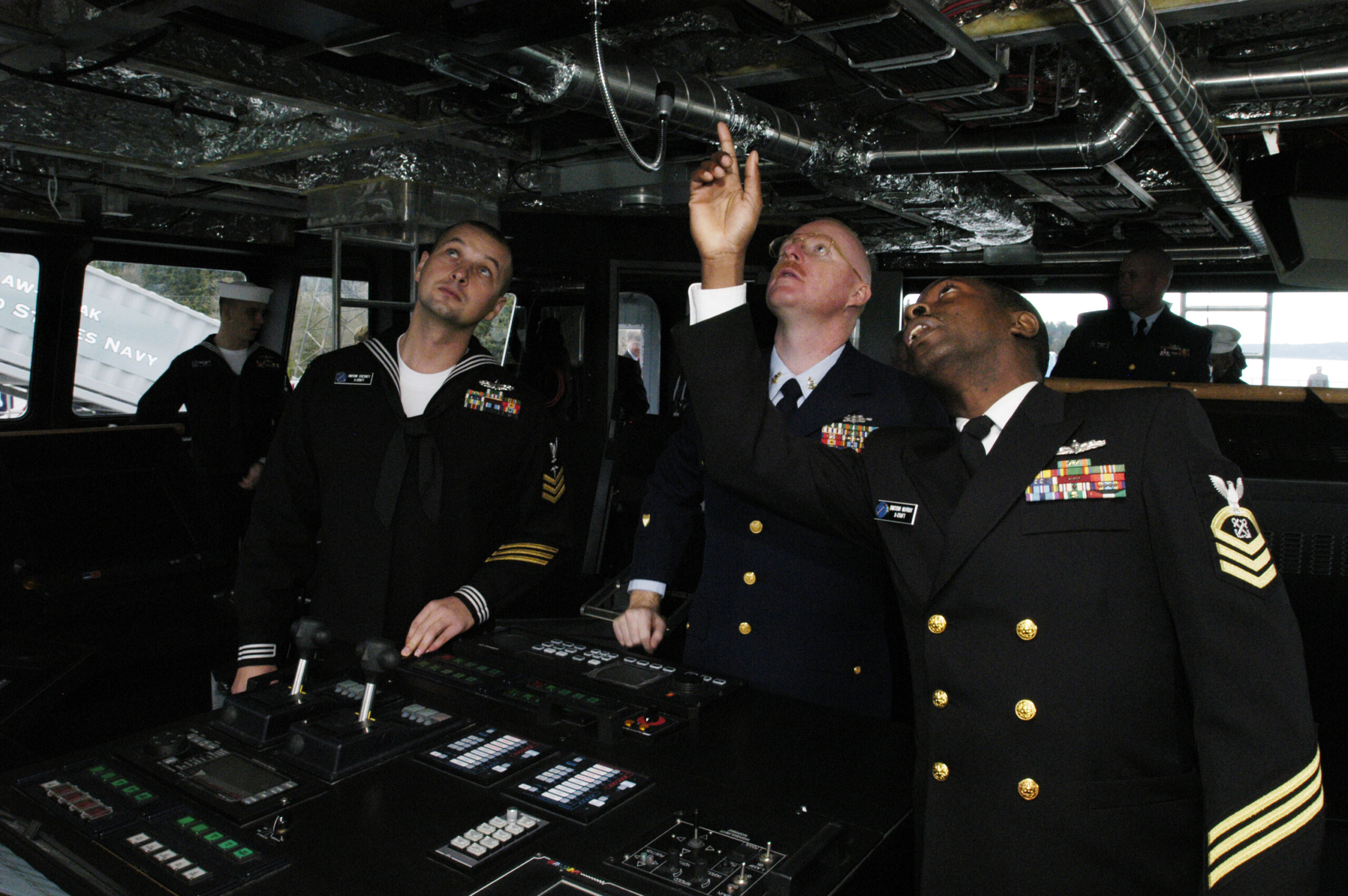
At the helm you rarely stare at a cable. You stare at numbers: depth under the keel, heading on a repeater, a boat symbol on a chart. Those numbers did not invent themselves on every screen. Somewhere on the boat a sensor measured something once. The marine-electronics world has spent decades standardizing how that measurement becomes a message other gear can use. That family of practice is what people mean when they say “NMEA”—not a brand of plotter, and not the National Marine Electronics Association speaking for your passage plan, but the industry’s interface language for instruments.
Start with the older pattern, because it is still on many boats and because it makes the “sentence” idea concrete. On the official NMEA 0183 page (opened September 29, 2026 at https://www.nmea.org/nmea-0183.html), NMEA describes an interface standard for one-way serial data from a single talker to one or more listeners. Each bus may have only one talker but many listeners. The data is printable ASCII and may include information such as time, position, speed, water depth, and similar navigation values. In plain language: one device talks; the others listen. A depth sounder that is the talker can emit a depth sentence; a GPS that is the talker can emit a position sentence; a heading sensor that is the talker can emit a heading sentence. Every display that is a listener on that same link can hear the same sentence—if it is actually listening to that talker and not to something else.
That is the useful mental model for this article. The talker is the sensor (or the unit acting as the sensor’s mouth). The listeners are the displays and other devices that consume the message. One good depth, one good heading, or one good position is enough for every screen that is listening, as long as they are listening to the same source. You do not need a different “truth” for the flybridge and the nav station if both are listening to the same talker. You do need to know who is talking.
NMEA 2000 is a different wiring philosophy for the same job of sharing. On the official NMEA 2000 page (opened September 29, 2026 at https://www.nmea.org/nmea-2000.html), NMEA describes a CAN-based standard that interconnects marine electronic equipment on vessels. It characterizes the network as a bi-directional, multi-transmitter/multi-receiver instrument network: multi-master, self-configuring, with no central network controller. Compatible equipment can share data—including commands and status—over a single channel. The public page lists message families that include GNSS and navigation among other vessel systems. In plain language suited to a recreational helm: many devices sit on a shared backbone and can both send and receive, instead of one exclusive talker on a one-way serial bus.
So the comparison that matters for a skipper is not a pin diagram. It is this: on NMEA 0183, the classic rule NMEA itself states is one talker and many listeners on that bus. On NMEA 2000, the backbone is built for multiple transmitters and receivers sharing one channel. Both approaches can deliver a depth, heading, or position value to several displays. They do it with different network rules. Neither approach automatically guarantees that every screen has chosen the same physical GPS when two GPS units are present.
This article will not teach you how to crimp a connector, terminate a backbone, or match wire colors. Those details belong to certified installers and to the copyrighted standards documents NMEA sells. What belongs at the helm is knowing that “shared data” still requires a deliberate source choice when more than one device can claim the same kind of truth—especially position.
This is not the chart-versus-GPS problem
A common confusion on boats with modern plotters is to treat every wrong boat symbol as the same failure. It is not. The companion piece How to read a chartplotter when the chart and the GPS disagree is about a different mismatch: the chart’s horizontal datum versus the fix the receiver is using. There, the chart picture and the GPS position can disagree even when only one GPS is talking cleanly. The check is about chart settings and datum alignment, not about which of two radios is the talker.
Here the failure mode is network source selection. Two devices both claim to be the position source—or at least both are available as GPS sources—and the displays have not been told, or have not agreed on, which one to believe. In that case the displays may disagree with each other, or a single display may be following a unit you did not intend, because they are not locked to the same position source. That is a different check from a lost antenna (no fix at all), and it is a different check from a datum mismatch (chart and fix speaking different horizontal languages).
Raymarine’s documentation on multiple data sources (opened September 29, 2026 at https://docs.raymarine.com/81406/en-US/latest/MultipleDataSourceOverview-034A50D2.html) exists precisely because a network may have more than one source of GNSS (GPS) position data, and likewise more than one source for depth, heading, and other navigational values. Garmin’s owner manuals include a “Selecting the GPS Source” topic for the same reason: if you have more than one GPS source, you can select your preferred source for GPS data. Neither of those maker pages, as opened for this article, prints a dramatic symptom list such as “the boat jumps.” What they do print is the operational fact that matters: the display must be told—or must select—which source to use when more than one is present. Your check is therefore to see which device the display is using, not to invent a failure signature the manual does not give you.

What you can check without a wiring diagram
Sources opened for this article on September 29, 2026:
- https://www.nmea.org/nmea-0183.html — one talker, many listeners; ASCII sentences that can carry position, depth, and related values.
- https://www.nmea.org/nmea-2000.html — shared multi-transmitter/multi-receiver backbone; devices share data on a single channel; GNSS and navigation among the message families named on the page.
- Garmin GPSMAP owner’s manual: Selecting the GPS Source — select a preferred GPS source when more than one exists.
- Raymarine: Multiple data sources — networks may have more than one GPS (and depth, heading, and other) source; the chartplotter selects a preferred source and you can override that choice manually.
On the display, open the system or data-source menus and find the GPS (or satellite positioning) source setting. Garmin’s wording is direct: if you have more than one GPS source, select the source for GPS data under Settings → System → GPS → Source (menu paths vary by model family; the idea does not). Raymarine’s MDS overview says the chartplotter will automatically select a preferred data source for GPS, depth, heading, and related types, and that automatic selection can be overridden by manually selecting your preferred data source. If you manually picked a source and it later becomes unavailable, Raymarine’s page says a different source must be selected manually. That is your cue to look at the source list before you trust the boat symbol.
Then do a cross-check that costs nothing: if two screens both show depth, do the numbers agree closely enough for the same transducer story? If two screens both show heading, do they agree? Perfect harmony is not required to the tenth of a degree, but a large, steady split is a reason to ask whether the screens are listening to different sensors. For position, compare which GPS device name appears as the selected source on each plotter. The standards pages do not print your boat’s device list. The maker menus do, once you open them.
What you should not do, for this problem, is start with a wiring diagram. Pinouts, drop-cable recipes, and terminator how-tos are outside this article on purpose. They also will not answer “which GPS is this screen using?” That answer is in the display’s source setting.

The decision before you leave the dock
Before a passage, pick one position source and confirm every display that draws the boat is listening to it. If you cannot see which device is the source, do not leave with two GPS units both available and neither confirmed. On a Garmin-style menu, that means actually selecting the preferred GPS source when more than one is listed. On a Raymarine-style MDS system, that means verifying the preferred GPS source the plotter chose—or setting it yourself—and knowing that a manual choice will not silently hop to another unit if your preferred device drops out.
Depth and heading deserve the same discipline when two transducers or two heading sensors can talk. Raymarine’s MDS list explicitly includes depth and heading alongside GPS. The principle is identical: one preferred source per data type for the system you are steering by.
Charts and instruments still have to work without Wi‑Fi. The navigation backbone described on the NMEA 0183 and NMEA 2000 pages is not the dock network, not a guest SSID, and not a phone hotspot. Why boat Wi‑Fi is not the navigation network is a separate topic; do not confuse a wireless tablet link with the instrument talker/listener path that carries your depth sentence or position sentence.
One fact worth remembering from the pages themselves
From NMEA’s own 0183 explanation: each bus may have only one talker but many listeners, and the ASCII data may include position and water depth among other values. That single sentence is why several displays can show the same depth or the same position without each sensor inventing its own private number—so long as they share the talker.
From the maker side, Garmin’s line is equally plain: you can select your preferred source for GPS data if you have more than one GPS source. Raymarine’s line is that a network may have more than one GNSS position source, and the chartplotter’s job includes selecting a preferred data source—or letting you select it. Together, those pages draw the boundary this article needs: sharing is designed in; choosing among claimants is your job at the menu.
The harmful mistake
The harmful mistake is leaving two devices both set—or both left ambiguous—as the position source, so the plotted boat is not the position you think it is, and then following that line as if it were gospel. You do not need a horror story about jumping cursors that the manuals never printed. You need the quieter failure: you believe Screen A, Screen B believes the other GPS, or the plotter quietly prefers a handheld or a secondary antenna you forgot was powered on. The cure is boring and effective—open the source list, pick one, confirm it on every display you will steer by, and only then trust the boat symbol enough to navigate with it.
Read next
- How to read a chartplotter when the chart and the GPS disagree — chart datum versus the fix, not two GPS talkers.
- Why boat Wi-Fi is not the navigation network — dock wireless is not this instrument backbone.