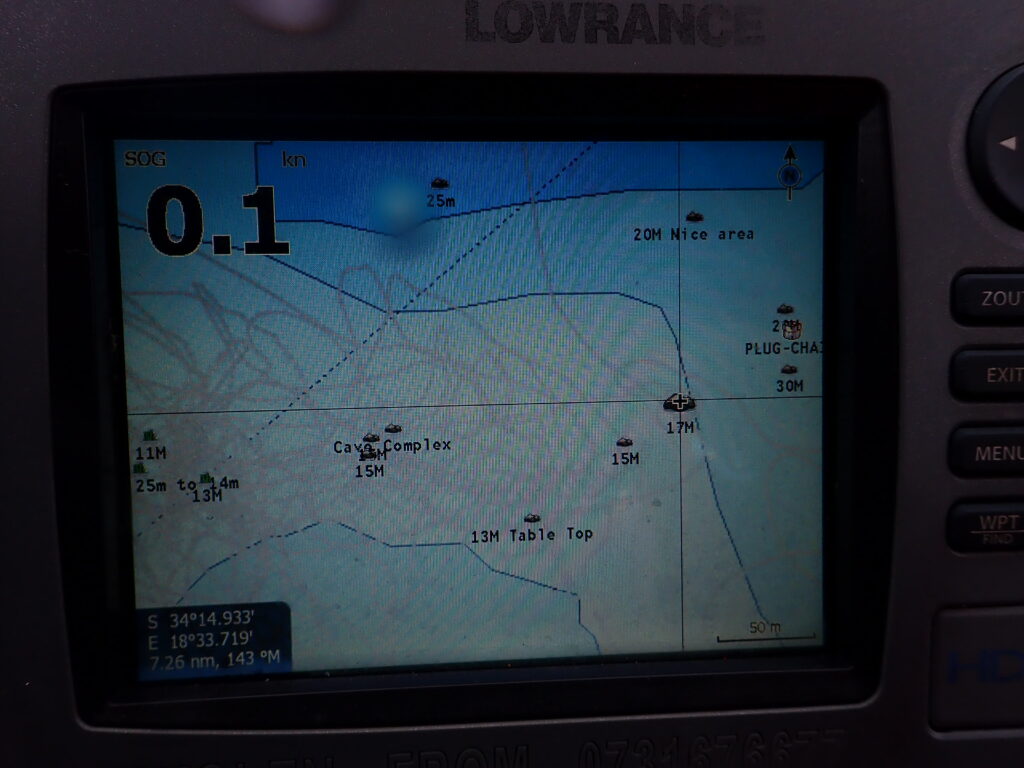
On a small boat, the depth number answers how deep it is here. The fish-finder view shows sound returns under the transducer, not a named object. Imaging sonar or a side picture shows a shape of the bottom out to the side. An ROV or drop camera answers what the object is only when you can put light and the lens close to it. Each display stops being the right tool outside that question.
Answer box
- Right for this job: Match the screen to the question—depth number for how deep here; traditional or down-looking fish-finder view for returns under the boat; side or imaging sonar for a picture built from returns to the side or ahead; camera for identity when water and light allow (Garmin Traditional Sonar View; Garmin SideVü Sonar View; Blue Robotics Omniscan 450 FS; Aqua-Vu camera guide; opened September 29, 2026).
- Wrong for this job: Reading a fish-finder or side picture as a photograph of the bottom, treating a side-scan style image as a navigation chart, or using an ROV pool clip as the same proof the sounder gave for depth or range.
- The number that decides it: The depth figure on the sounder for “how deep is it here”; the maker’s stated imaging range only for how far that imaging unit is built to detect targets (Blue Robotics states a 120-meter maximum range for the Cerulean Omniscan 450 FS); clarity and light for whether a camera can identify what you see.
- What the spec leaves out: A depth number is not a map of the bottom. A picture of returns is not a photograph. Chart soundings on a nautical chart come from hydrographic surveys, not from a recreational fish-finder screenshot (NOAA National Ocean Service).
- Check before you rely on it: Which pane is the numeric depth, which is the scrolling view under the boat, which is the side or imaging picture, and whether the camera view is light through water or only a dark smear.
- Last checked: September 29, 2026
What each sensor is doing under the hull and on the vehicle
Start with the transducer bolted under the hull or on the transom. On a Garmin traditional sonar view, that transducer returns a large image of sonar readings. The range scale along the right side of the screen shows the depth of detected objects as the screen scrolls from right to left. The same view labels depth information, suspended targets or fish, and the bottom of the body of water. That is the classic fish-finder style pane: a history of sound returns in the water column under the boat, plus a depth number you can read without inventing a species name for every blotch.
Traditional transducers, as Garmin’s DownVü help text states, emit a conical beam. DownVü scanning sonar instead emits a narrow beam, described as similar to the shape of the beam in a copying machine, and provides a clearer, picture-like image of what is beneath the boat. That picture-like pane is still built from sound. It is a more detailed representation of structures the boat is passing over, not a photograph from a lens.
Side-looking scanning is a different geometry. Garmin’s SideVü sonar view states that SideVü scanning sonar technology shows you a picture of what lies to the sides of the boat, and that you can use it as a search tool to find structures and fish. The labeled parts of that view include the left and right sides of the boat, the transducer on the vessel, distance from the side of the boat, and water between the vessel and the bottom. Garmin’s SideVü/DownVü scanning-technology note adds that, instead of a more common conical beam, the SideVü/DownVü transducer uses a flat beam to scan the water and bottom to the sides of the boat. The product of that scan is a side picture of returns—useful for “is something out there to the side?”—not a single depth number for the whole lake.
Imaging sonar on an ROV is another instrument class again. Blue Robotics’ store page for the Cerulean Omniscan 450 FS imaging sonar describes a long 120-meter range and a tall 50-degree vertical beamwidth for identifying and navigating to targets on the seafloor. The page states that traditional imaging sonars rely on mechanical scanning to generate an image of the seafloor, while the Omniscan 450 FS builds an image dynamically as the ROV moves, and that Cerulean’s SonarView software paints the image in real time. Cerulean’s own specifications table lists a maximum range of 120 m for the Omniscan 450 FS (100 m and 300 m depth-rated variants). That unit is answering “what shape of returns is ahead or around the vehicle?” across many pings. It is not replacing the hull sounder’s depth digit for the boat sitting on the surface.
A camera records light. Aqua-Vu’s guide on underwater fishing cameras states that an underwater camera is the only piece of equipment that can show you exactly what something is, and that sonar returns of structure and vegetation leave an angler wondering what exactly they are looking at. The same guide states that underwater fishing cameras can only see as far as the human eye in the sense that sediment and mud particles will block the camera’s view in very murky water, making them difficult to use unless you are right on top of what you are trying to uncover. Aqua-Vu’s older viewing-system FAQ language, in the owner manuals still published for those systems, says the lights are designed for use in low-light conditions and that what you see on the screen is directly related to water clarity. Put simply: the camera needs light and clear enough water, and it shows what is in front of the lens—not a depth number.
So the sensors separate cleanly. Sound returns a range or a picture of returns. The camera records light. A depth number is not a picture of the bottom. A picture of returns is not a photograph. An ROV camera frame is not a substitute for either when you only needed to know how deep the water was under the transducer.
How this fails differently from fishing identification and from a survey chart
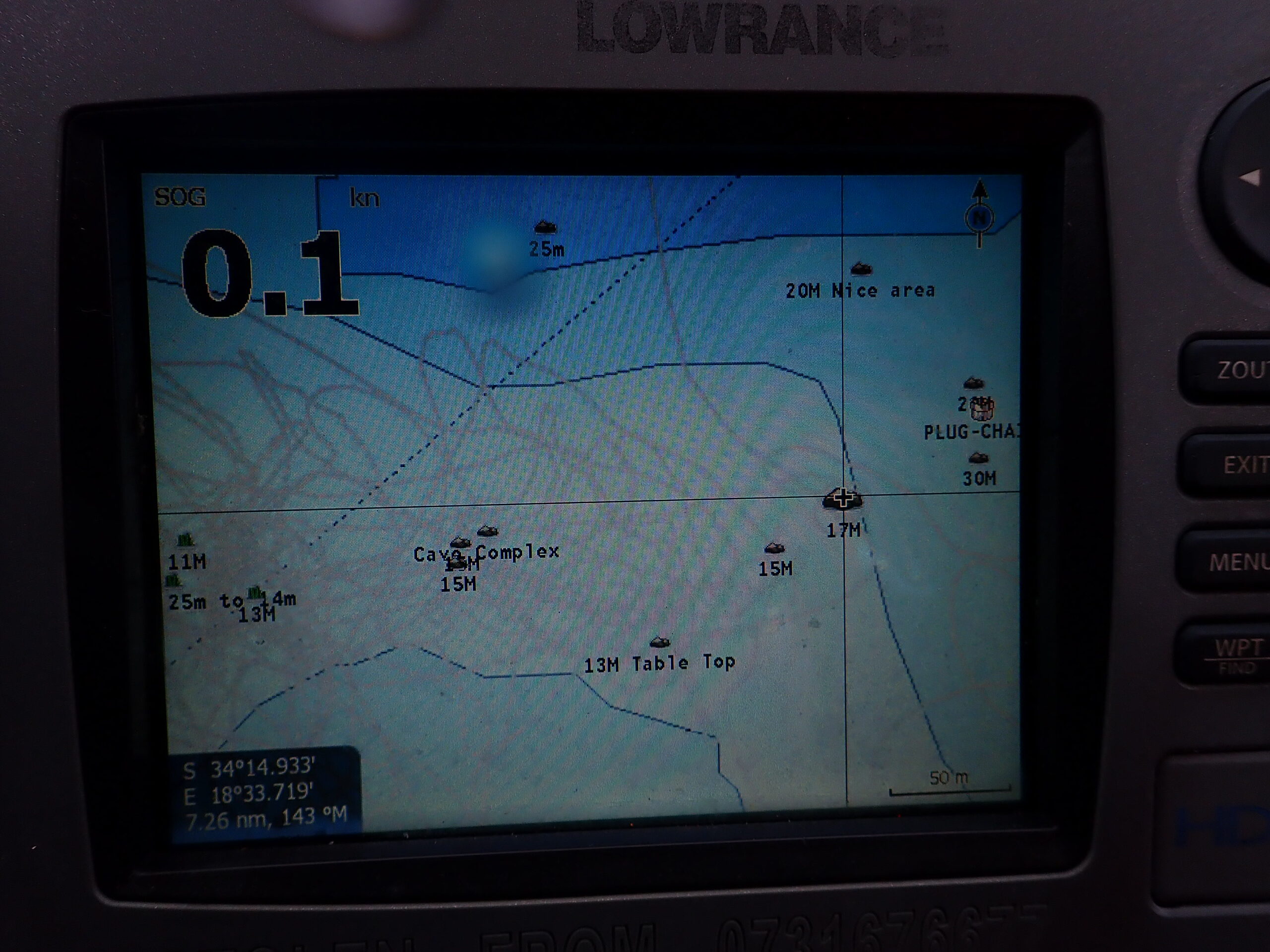
On the water, people mix three different failures. The first is fishing identification. A mark on the fish-finder view is a return. It is not a named fish until something else confirms it. That is exactly why the companion article What a fishing ROV can add to a fish finder exists: the sounder finds a mark; a camera identifies it only if the vehicle or drop camera arrives with enough light and clarity. Do not pretend the scrolling return pane already finished that job.
The second failure is treating any picture of returns as a chart. NOAA’s National Ocean Service page on chart numbers states that soundings, or water depth measurements, are represented by numbers on nautical charts, and that water depths are measured by soundings usually acquired by hydrographic surveys. Depth contours on a chart present a picture of the bottom to the mariner as part of that charted product. A fish-finder screenshot is not that survey. A side picture from a recreational SideVü view is still a search picture of returns to the sides of the boat. Unless the page you open for a given survey system states that positions are tied to each depth in a hydrographic workflow, do not navigate as if the side picture were an official chart. For the survey side of that distinction, read next: How a seabed map is made, and why a fish-finder screenshot is not one.
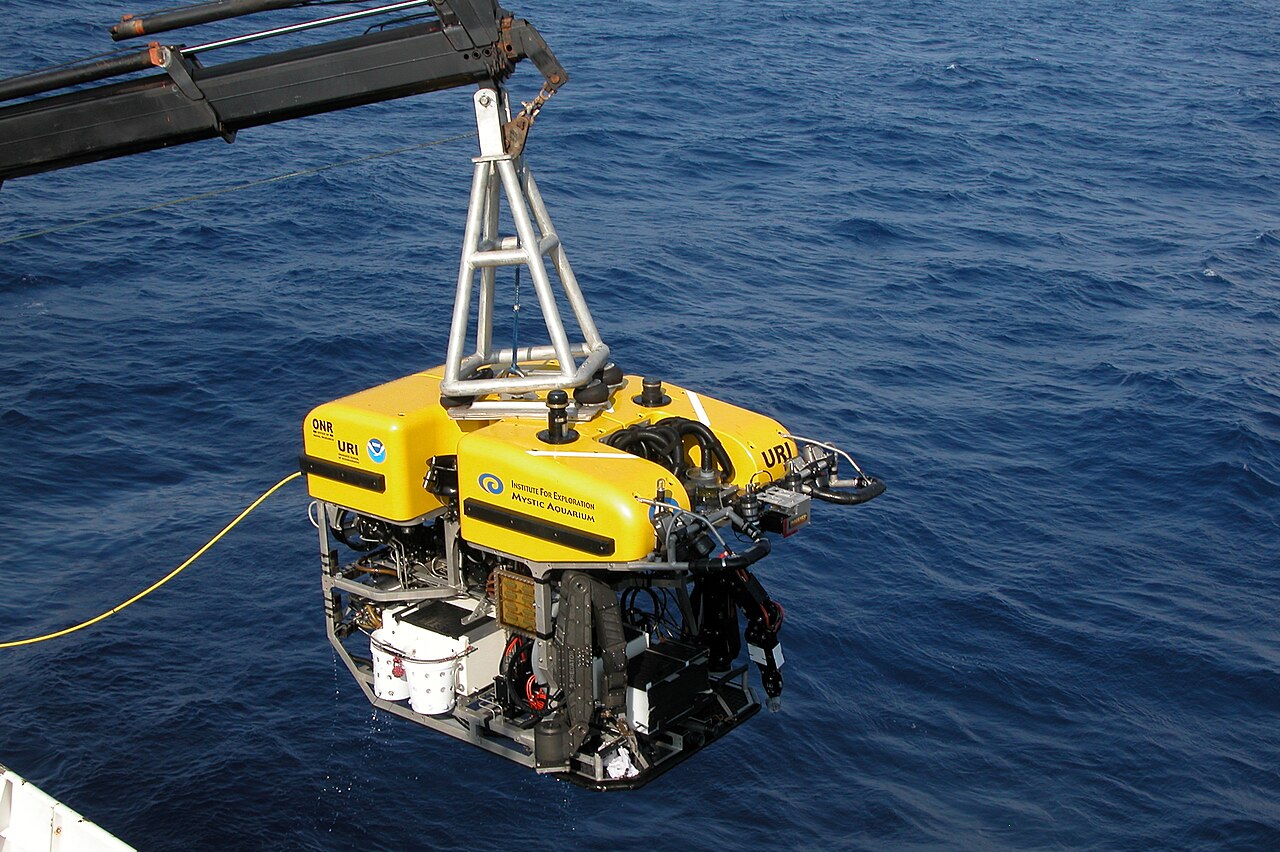
The third failure is ROV overconfidence. Imaging sonar can keep painting returns when the camera is blind. Blue Robotics states that the Omniscan 450 FS offers a 120 meter range allowing you to detect targets far beyond the ROV’s reach, and Cerulean’s product page says the same range allows detection regardless of visibility. That is a strength for finding shape and approach path. It is still not a photograph of the object, and it is still not the boat’s depth digit for “how deep is it under my hull right now.”
What you can check on the pages and on the boat
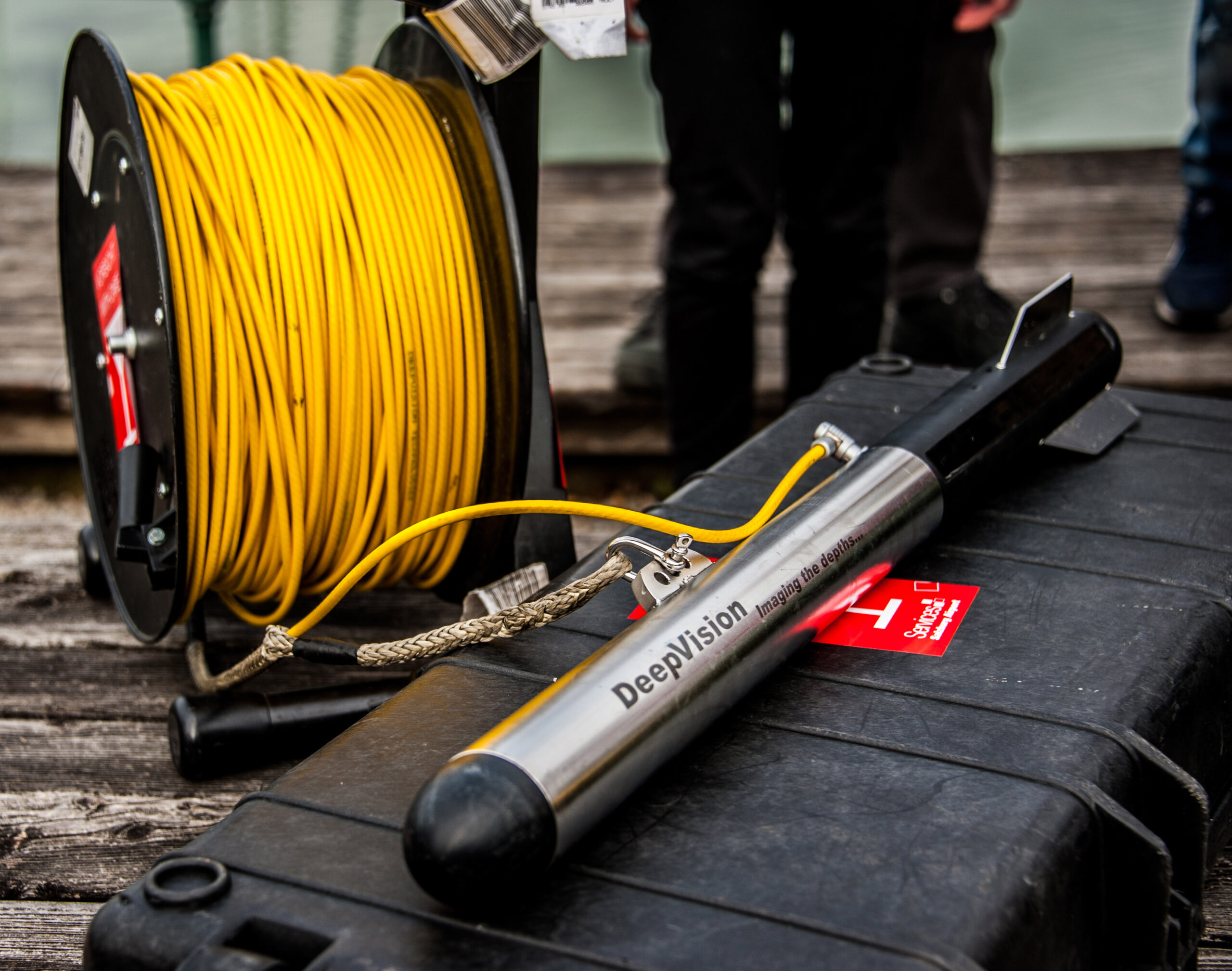
These pages were opened on September 29, 2026:
- Garmin GPSMAP 800/1000 Traditional Sonar View — depth information, suspended targets, bottom, scrolling sonar readings.
- Garmin DownVü Sonar View — conical traditional beam versus narrow DownVü beam and picture-like image beneath the boat.
- Garmin SideVü Sonar View — picture of what lies to the sides of the boat; distance from the side; water between vessel and bottom.
- Garmin SideVü/DownVü Scanning Technology — flat beam to the sides versus conical beam.
- Blue Robotics Cerulean Omniscan 450 FS and Cerulean Omniscan specifications — 120 m maximum range, 50° beam height, image built as the vehicle moves.
- Aqua-Vu underwater fishing camera guide — camera shows what something is; murky water blocks the view; lights help in low light.
- NOAA NOS: What do the numbers mean on a nautical chart? — chart depths come from soundings usually acquired by hydrographic surveys.
On the boat, look at the panes without walking through any brand’s menu tour. One readout is a number: how deep is it here under the transducer. One pane is a view under the boat: returns scrolling with a depth scale and a bottom line. One pane is a side picture: left and right of the track, with distance out to the side labeled as such. On the ROV or drop camera, ask whether you are looking at light through water. If the monitor is only haze, you do not yet have identity proof—even if the imaging sonar still shows a shape.
The decision before you leave the dock
Pick the display that matches the question before the boat leaves the slip. Depth number for “how deep.” Fish-finder or side picture for “is something there” under or beside the boat. Camera for “what is it,” and only if the water and the light allow. If the water is too dirty, the camera is the wrong proof; see How to Choose an Underwater Camera When the Water Is Murky rather than repeating that guide here. Imaging sonar can still be the right search tool in low visibility when the question is shape and approach, as the Omniscan pages state for detection regardless of visibility—but that still does not turn the side or forward acoustic picture into a charted sounding field.
One sourced fact that separates the modes
Garmin’s SideVü/DownVü scanning-technology page states that instead of a more common conical beam, the SideVü/DownVü transducer uses a flat beam to scan the water and bottom to the sides of the boat. That single maker sentence is enough to keep the jobs separate on a small boat: conical or traditional sounder geometry for the under-boat return view and depth scale; flat side-looking beam for the side picture; imaging sonar such as the Omniscan 450 FS for a painted picture of many returns out to a stated 120-meter maximum range; camera for light-based identity when clarity allows.
The harmful mistake
The harmful mistake is reading a fish-finder view as a photograph of the bottom, reading a side-scan or SideVü image as a chart you can navigate on, or treating an ROV clip from a clear pool as the same answer the sounder gave for depth under the hull. The depth number answers how deep it is here. The return view answers whether something returned sound under or beside the boat. The camera answers what it is only when the lens and the light can reach it. Keep those questions apart and each instrument stays useful. Mix them and you will trust the wrong proof.
Read next: What a fishing ROV can add to a fish finder. How a seabed map is made, and why a fish-finder screenshot is not one.