Marine radar shows returns from what the beam hits—including land, rain, and vessels—that a chartplotter does not draw, because the plotter only draws the chart and the boat’s position. Radar stops being the whole truth when a small target makes no return you can trust, and it never replaces a lookout. In fog, Garmin’s GPSMAP radar guidance treats radar as useful for avoiding collisions when visibility is limited, and inland Rule 19 addresses vessels not in sight of one another; the chartplotter still only draws the chart, so the radar picture is the sensor picture you check first for what is actually around the boat, while Rule 5’s lookout duty still stands.
Answer box
- Right for this job: Seeing live returns from land, rain, and vessels that the chart does not paint (Garmin GPSMAP Radar Interpretation, opened September 29, 2026).
- Wrong for this job: Treating a clean radar screen as proof that no small vessel, ice, or floating object is present (33 CFR 83.06 Rule 6(b)(iv), opened September 29, 2026).
- The number that decides it: Not applicable — the opened Garmin pages and Rules 5, 6, 7, and 19 do not publish a minimum detection size for a kayak or log.
- What the spec leaves out: Whether this kayak, log, or small boat will paint on your set at your range and clutter settings (Rule 6(b)(iv); Garmin rain-clutter note that a higher setting can reduce or eliminate nearby targets).
- Check before you rely on it: Whether you are looking at the radar overlay or the radar’s own picture; whether Rain Clutter is raised; whether a return has a readable range (Garmin Radar Overlay and Rain Clutter pages, opened September 29, 2026).
- Last checked (September 29, 2026): Garmin GPSMAP Radar Interpretation, Rain Clutter, and Radar Overlay Settings; Garmin GPSMAP/echoMAP Radar Overlay; 33 CFR 83.05, 83.06, 83.07, 83.19.
What the antenna and the chart are doing
Name the two instruments clearly. The marine radar scanner transmits and listens for energy that comes back. A return is that energy coming back from something the beam hits. The chartplotter draws the chart and the boat’s position. Those jobs are not the same, even when both screens live on one multifunction display.
Garmin’s GPSMAP Radar Interpretation page, opened September 29, 2026, states that reading and interpreting the radar display takes practice, and that radar can be useful for avoiding collisions when you have limited visibility—for example when it is dark or foggy—as well as for tracking weather and seeing what is ahead of you. On that same page, Garmin labels returns that the operator can identify as land and as a vessel when the radar overlay is on. That is the core contrast with a plotter alone: the plotter does not invent those echoes; the radar does.
Separate the overlay from the radar’s own picture. Garmin’s Radar Interpretation page says the radar overlay feature overlays the radar returns on top of the chart, and that this can help you identify the difference between a radar return of a land mass, a bridge, or a rain cloud. The older GPSMAP 500/700 and echoMAP Radar Overlay page, also opened September 29, 2026, says that when you connect the chartplotter to an optional Garmin marine radar, the Radar overlay superimposes radar information on the Navigation chart or the Fishing chart. That is still a chart with returns drawn on it. The radar’s own picture is the returns without treating the chart as the world. Both views use the same scanner; only one of them asks you to read the chart as the primary frame.
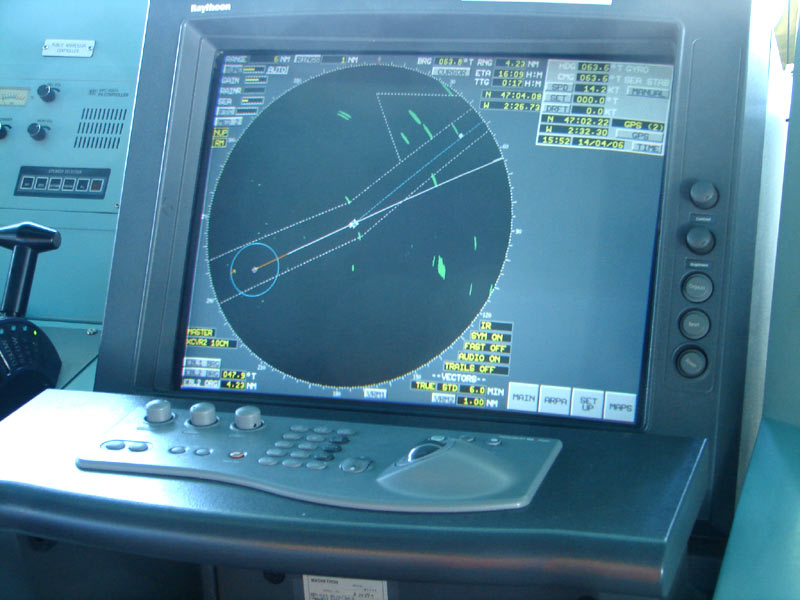
Rain can fill the picture. Garmin’s Adjusting Rain Clutter on the Radar Screen page, opened September 29, 2026, says you can adjust the appearance of clutter caused by rain, and that reducing the radar range can also minimize rain clutter. It states that the rain clutter setting affects the appearance of nearby rain clutter and targets more than distant ones, and that a higher rain clutter setting reduces the appearance of clutter caused by nearby rain but can also reduce or eliminate the appearance of nearby targets. Clutter caused by rain may still be visible after you adjust. The same page notes that rain clutter settings configured in one radar mode may or may not be applied to other radar modes or to the radar overlay. So rain is a real return class on the radar picture; the filter that cleans it can also thin the returns you care about.
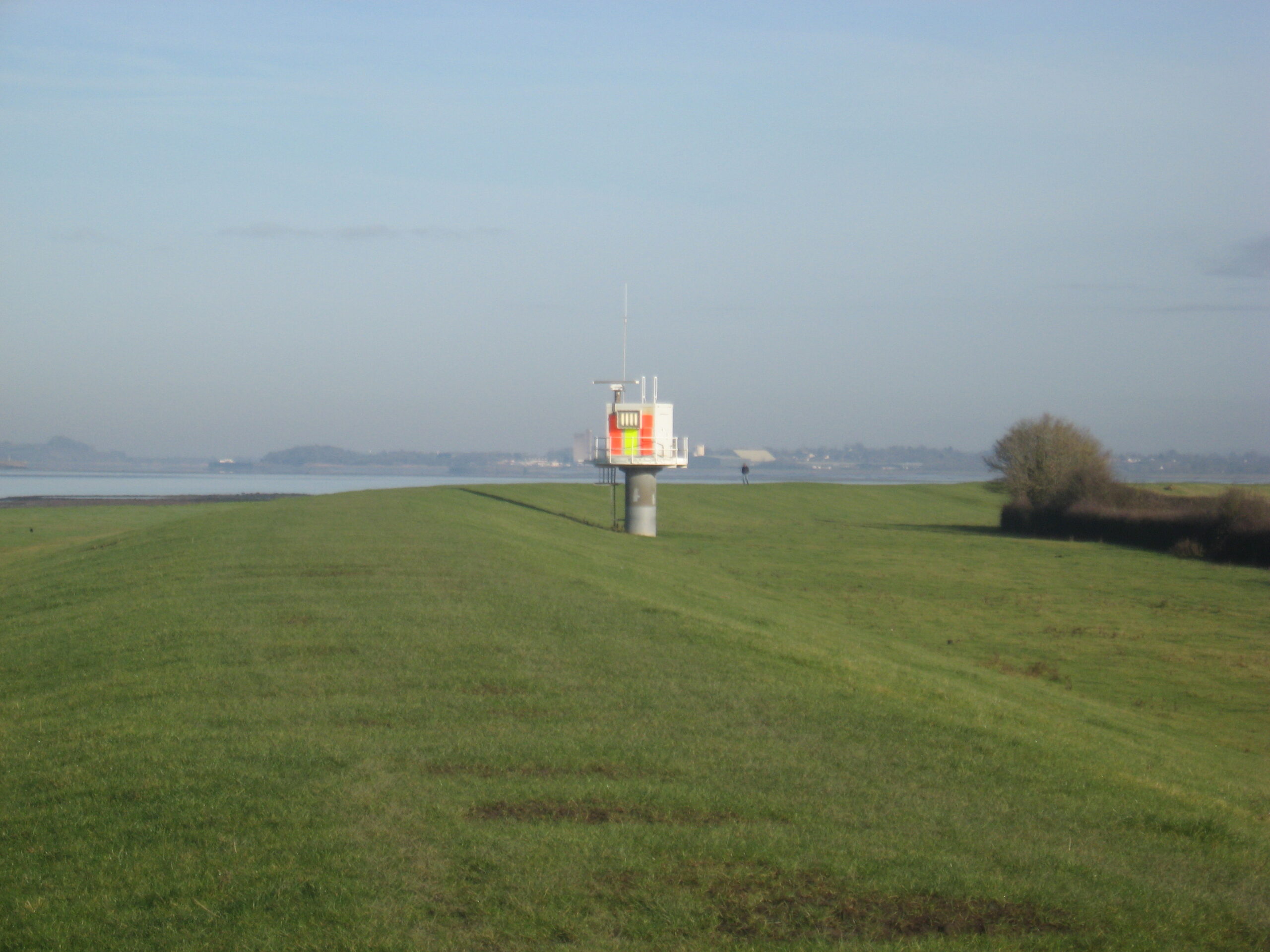
Garmin’s Radar Overlay Settings page, opened September 29, 2026, lists Gain, Sea Clutter, Radar Options, Other Vessels, and Radar Setup from the overlay menus, and it separately documents Radar To Standby, which stops radar transmission. That menu list is a reminder that overlay is a layer and a mode path on the plotter, not a different physics. The antenna still has to transmit for there to be a return to draw.
How this fails differently from AIS
Read next for the transmission side of traffic: “What AIS tells you about another vessel, and what it never will.” AIS is a transmission. Radar is a reflection. Garmin’s Radar Interpretation page notes that showing the AIS vessels on the radar overlay can also help you identify features on the radar display. That sentence is useful precisely because the two systems are not the same sensor. An AIS symbol is someone broadcasting. A radar return is energy coming back from a surface that reflected the beam.
A silent boat can still return a radar echo if the beam hits it hard enough for your set and settings to show it. A weak echo can still be missing. Inland Rule 6, 33 CFR 83.06, opened September 29, 2026, requires vessels with operational radar to take into account, among other factors, the possibility that small vessels, ice, and other floating objects may not be detected by radar at an adequate range. That rule does not publish a kayak size, a log size, or a “will always paint” claim. It only states the possibility of inadequate detection. Do not invent a gap-closing promise that radar fills every hole AIS leaves. A kayak or a log may be on neither the AIS picture nor the chart, and may still fail to paint on radar.
The chartplotter article belongs in read-next, not here: “How to read a chartplotter when the chart and the GPS disagree.” That piece is about the chart and the position. This piece is about returns the chart never draws.
What the reader can check
These pages were opened and read on September 29, 2026:
- https://www8.garmin.com/manuals/webhelp/gpsmap_touch/EN-US/GUID-A6F5F008-B825-47DC-BC28-DC8B47D9CE78.html — Radar Interpretation (land, vessel, rain cloud; overlay; fog/dark usefulness).
- https://www8.garmin.com/manuals/webhelp/gpsmap_touch/EN-US/GUID-9476E33F-5D89-45C1-B13C-4EF6FB79ABA0.html — Adjusting Rain Clutter on the Radar Screen.
- https://www8.garmin.com/manuals/webhelp/gpsmap_touch/EN-US/GUID-AD2EECA7-F0A2-4EC0-BFFD-D68B97BA750F.html — Radar Overlay Settings.
- https://www8.garmin.com/manuals/webhelp/gpsmapechomap5xx7xx/EN-US/GUID-67728636-C72A-431E-A6A7-2162235BDA1A.html — Radar Overlay on Navigation or Fishing chart.
- https://www.ecfr.gov/current/title-33/chapter-I/subchapter-E/part-83/subpart-B/subject-group-ECFRc711a0393c57020/section-83.05 — Rule 5 Look-out.
- https://www.ecfr.gov/current/title-33/chapter-I/subchapter-E/part-83/subpart-B/subject-group-ECFRc711a0393c57020/section-83.06 — Rule 6 Safe speed, including radar limitations for small vessels, ice, and floating objects.
- https://www.ecfr.gov/current/title-33/chapter-I/subchapter-E/part-83/subpart-B/subject-group-ECFRc711a0393c57020/section-83.07 — Rule 7 Risk of collision, proper radar use, no assumptions from scanty radar information.
- https://www.ecfr.gov/current/title-33/chapter-I/subchapter-E/part-83/subpart-B/subject-group-ECFRc711a0393c57020/section-83.19 — Rule 19 Conduct of vessels in restricted visibility, including detection by radar alone.
On the set, check three things before you lean on a blank or busy screen. First, decide whether you are looking at overlay or the radar picture. Overlay superimposes radar information on the chart; the radar picture is the returns without making the chart the world. Second, check whether Rain Clutter is selected high enough that nearby targets may be reduced or eliminated, per Garmin’s rain-clutter page. Third, check whether a target has a range you can read and track, which is how radar becomes useful for assessing what is around you when visibility collapses—Rule 6(b)(vi) notes the more exact assessment of visibility that may be possible when radar is used to determine the range of vessels or other objects in the vicinity.
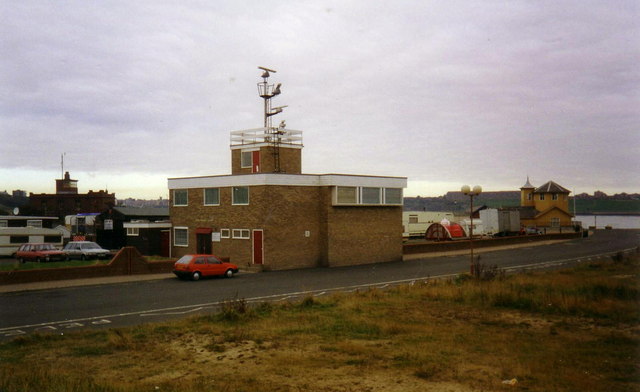
What the opened pages leave out is whether this kayak will paint. Rule 6 states the possibility of missing small vessels and floating objects at an adequate range. Garmin does not publish a recreational minimum detection size for a kayak or log on the pages opened for this article. Say small targets can be missing. Do not invent a size.
The decision before the passage
In fog, trust the radar picture ahead of the chart line for what is actually around the boat. Garmin’s Radar Interpretation page names fog as a limited-visibility case where radar can be useful for avoiding collisions. Inland Rule 19, 33 CFR 83.19, opened September 29, 2026, applies to vessels not in sight of one another when navigating in or near an area of restricted visibility, requires a safe speed adapted to those conditions, and addresses a vessel which detects by radar alone the presence of another vessel. The plotter still only draws the chart and a position. It does not create the unseen vessel. The radar picture is the return picture you have for objects the beam hits.
Do not follow the plotter into a hazard the chart and a lookout would refuse. Rule 5, 33 CFR 83.05, opened September 29, 2026, requires every vessel at all times to maintain a proper look-out by sight and hearing as well as by all available means appropriate in the prevailing circumstances and conditions so as to make a full appraisal of the situation and of the risk of collision. Radar is one of those means when it is fitted and operational. It does not cancel sight, hearing, or the charted hazard you already know about.
If the overlay and the radar picture disagree, believe the return you can point to on the radar picture. Then recheck chart and position problems in “How to read a chartplotter when the chart and the GPS disagree” rather than mixing a chart-layer alignment issue with a live echo. Overlay helps you identify land, bridge, and rain-cloud returns against the chart, per Garmin; it is not a license to steer by the chart line alone when the echo says something else is there.
Rule 7, 33 CFR 83.07, opened September 29, 2026, requires proper use of radar equipment if fitted and operational, including long-range scanning and radar plotting or equivalent systematic observation of detected objects, and states that assumptions shall not be made on the basis of scanty information, especially scanty radar information. A single weak paint, or a screen cleaned by aggressive rain clutter, is scanty information. Treat it that way.
One specific sourced fact
From Garmin’s Adjusting Rain Clutter on the Radar Screen page (opened September 29, 2026): a higher rain clutter setting reduces the appearance of clutter caused by nearby rain, but it can also reduce or eliminate the appearance of nearby targets. That single sentence is why a “cleaner” radar picture is not automatically a safer one.
The harmful mistake
The harmful mistake is assuming a clean radar screen means no kayak, log, or small boat—or steering by the chart overlay alone in fog. Rule 6(b)(iv) states the possibility that small vessels, ice, and other floating objects may not be detected by radar at an adequate range. Rule 7 warns against assumptions from scanty radar information. Garmin’s fog guidance makes radar useful when you cannot see; it does not make the overlay a substitute for the radar picture, and it does not make either instrument a substitute for a lookout. A blank screen is not a clearance. A chart line under an overlay is not the vessel ahead of you.
Read next
How to read a chartplotter when the chart and the GPS disagree
What AIS tells you about another vessel, and what it never will