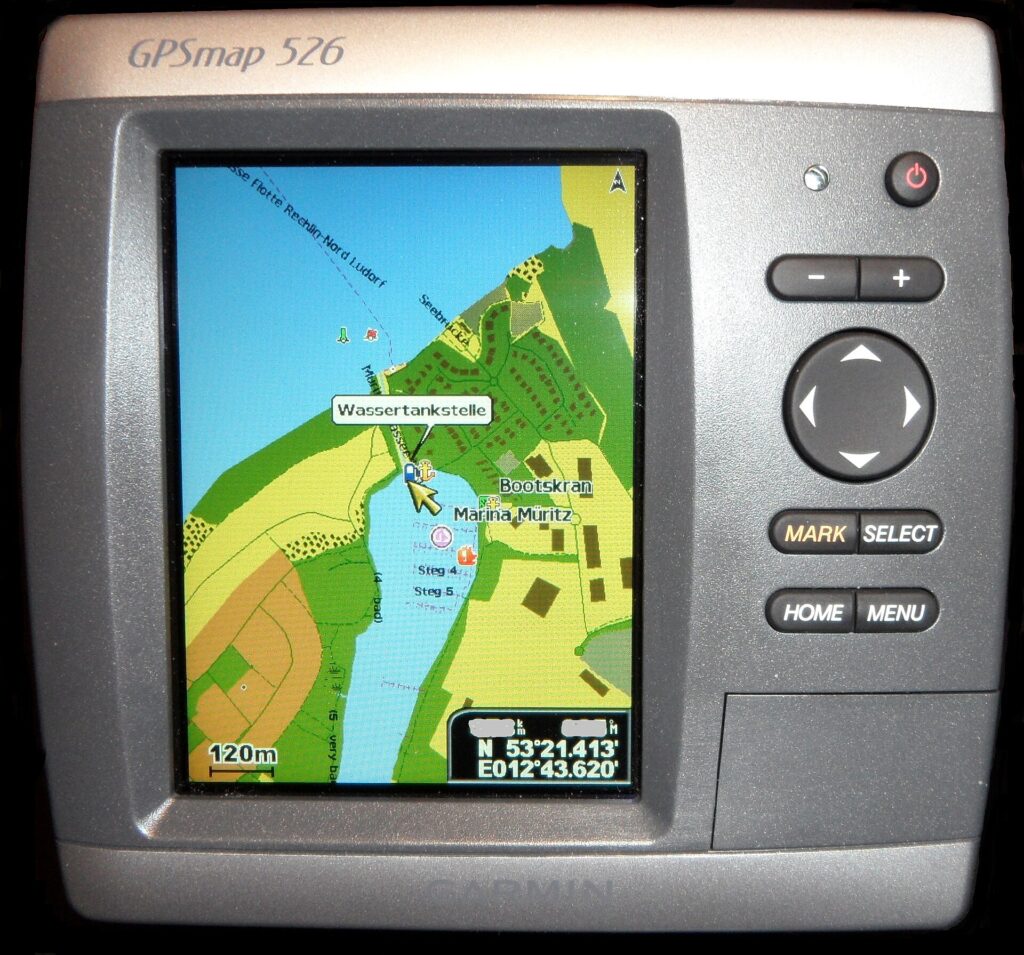
When the boat symbol on the chartplotter does not sit where the chart and the eye say the vessel sits, the screen is not yet a course to follow. Separate a chart that is on the wrong datum or the wrong chart from a GPS fix that has lost its antenna. The plotter stops being the right tool until that split is checked, and it never replaces a lookout.
Right for this job: Comparing the electronic chart’s horizontal datum and chart identity with a live GNSS fix, then deciding whether the screen mismatch is a chart problem or an antenna/fix problem (NOAA Coast Pilot horizontal-datum guidance; Garmin GPSMAP antenna/fix checks).
Wrong for this job: Treating the boat symbol and a planned track as permission to pass closer to a rock, shoal, or other hazard than the chart and a lookout allow.
The number that decides it: Not applicable — NOAA states that the physical shift between older horizontal datums and NAD 83/WGS 84 was significant, but does not supply a single meter value a skipper can apply from the screen alone.
What the spec leaves out: A downloaded chart that still uses the wrong datum or the wrong cell is not fixed by a satellite internet link; connectivity refreshes data, it does not reconcile mismatched frames.
Check before you rely on it: Chart name and datum on the display, a valid satellite fix, antenna connection or sky view, and a proper lookout by sight and hearing under the Navigation Rules before following any line on the screen.
Last checked: September 29, 2026
What the chart and the fix are doing on one screen
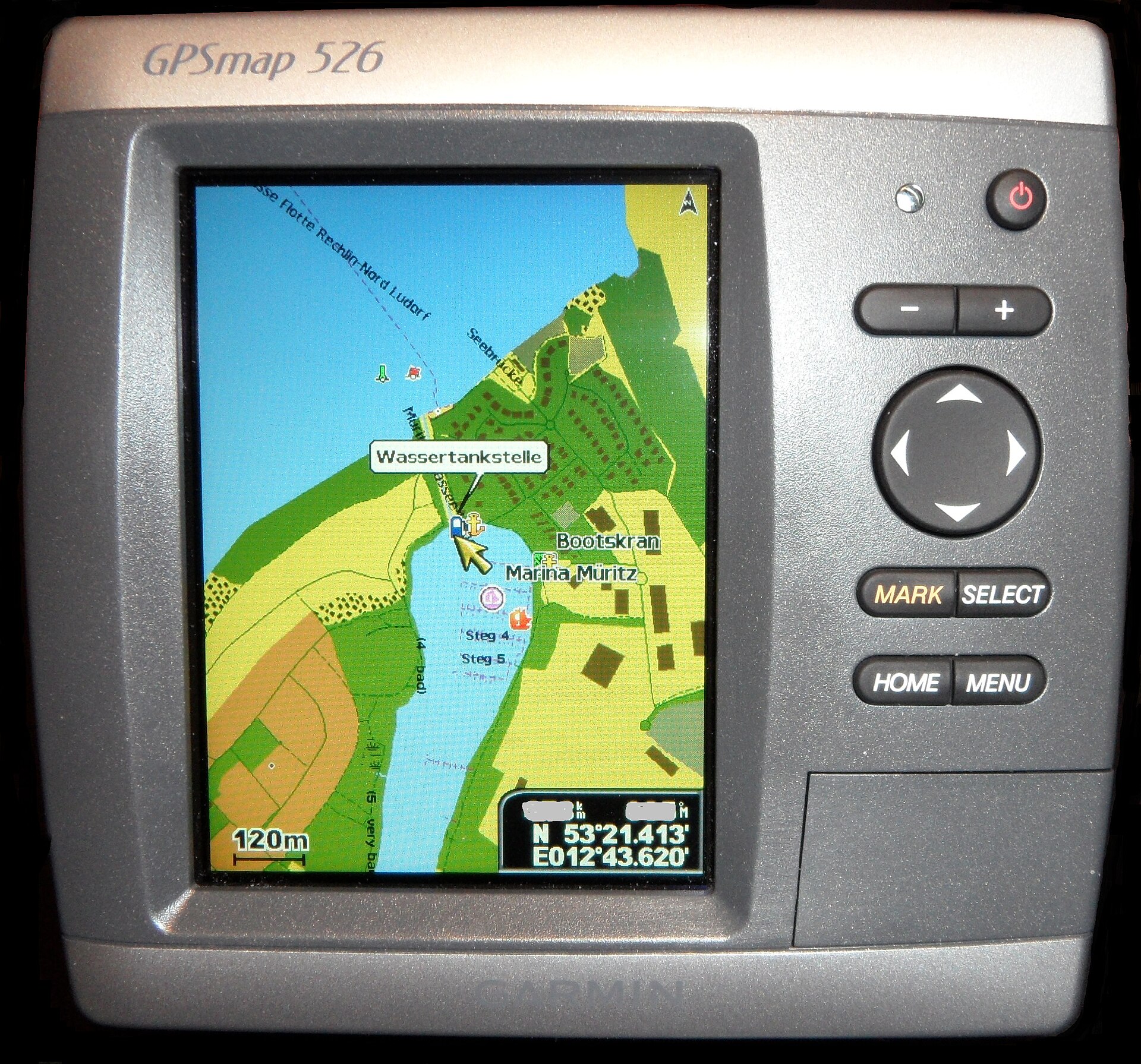
A recreational chartplotter is doing three distinct jobs at once. First, it draws an electronic chart — often an ENC-style product or a raster derived from official chart data — on a defined horizontal datum. Second, a GNSS receiver or external GPS antenna converts satellite signals into a geographic position. Third, the display paints a boat symbol where that position falls on the chart drawing.
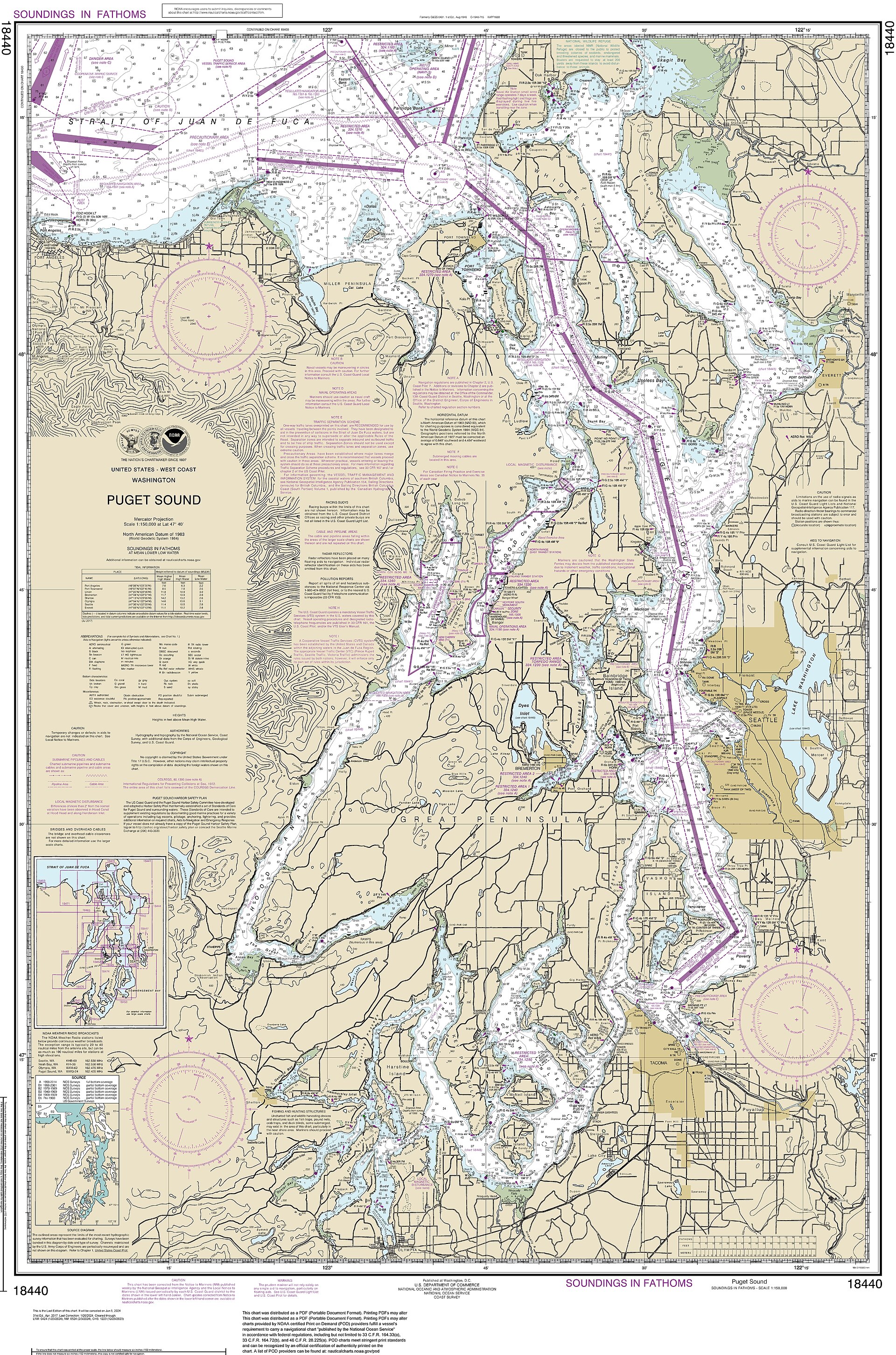
NOAA’s Office of Coast Survey states that the exact placement of latitude and longitude on a nautical chart depends on the referenced horizontal datum. Charts of the United States are referenced primarily to the North American Datum of 1983 (NAD 83) and the World Geodetic System 1984 (WGS 84), and for charting purposes WGS 84 is equivalent to NAD 83. Older datums, including the North American Datum of 1927, have been replaced; NOAA notes on charts can show how much to shift positions that still use an older frame so they fit the NAD 83 or WGS 84 projection. The Coast Pilot is explicit: mariners should always be certain the positions they are plotting are on the same datum as the chart.
That sentence is the hinge of a chart-versus-GPS disagreement. The satellite fix is a position in a geodetic frame. The chart is a drawing in a chart datum. The screen overlays one on the other. If those frames do not match, or if the wrong chart cell is loaded, the boat symbol can look plausible while sitting in the wrong place relative to soundings, rocks, and aids. Separately, if the antenna is not delivering a fix, the symbol may freeze, jump, or fail to acquire satellites — a different failure with a different check.
NOAA’s National Ocean Service explains the positioning side in plain terms: hydrographers rely on the Global Navigation Satellite System (GNSS) to place charted features, and GPS is one constellation within GNSS. Geodesy pages from the same office describe GPS as the space-based tool used to measure points on Earth against a consistent reference system. Your plotter is borrowing that idea for the boat, not inventing a private geometry.
How this fails differently from radar
Readers who want the radar instrument itself should open What marine radar shows that the chartplotter does not. The short contrast for this page is enough: a chartplotter draws charted geography and a computed own-ship position; it does not paint a vessel that is simply a radar return. Radar shows echoes from objects that reflect energy. AIS, covered in a separate read-next, shows vessels that transmit. Neither radar nor AIS replaces the lookout duty stated in the Navigation Rules, and neither settles a datum mismatch on the plotter.
A wrong chart and a lost antenna are two different checks, not one reset. Clearing a track line, zooming the chart, or power-cycling the display may hide a symptom without answering which frame failed. If the chart name, scale, or datum on the unit does not match the water you are in, you are looking at a cartographic problem. If the unit reports that it cannot acquire satellite signals, or if an external antenna does not appear on the network device list, you are looking at a fix or antenna problem. Mixing those into a single “GPS is off” habit leaves the skipper following a line that was never verified.
What you can check on the unit before you follow the line
The following checks come from pages opened on September 29, 2026:
- Chart identity and horizontal datum. Opened: NOAA Coast Pilot Volume 2, Chapter 1, Horizontal Datum section at https://nauticalcharts.noaa.gov/publications/coast-pilot/files/cp2/CPB2_C01_WEB.pdf. Confirm the chart name or cell on the plotter and that positions and the chart share NAD 83/WGS 84 (or the datum the chart actually states). Do not invent a meter offset from memory.
- WGS 84 on modern NOAA electronic products. Opened: NOAA Custom Chart application page at https://www.nauticalcharts.noaa.gov/charts/noaa-custom-charts.html, which states custom-chart data are referenced to WGS 84. A downloaded or custom product still has to match the datum your receiver is using.
- Valid satellite fix and antenna path. Opened: Garmin GPSMAP 9000xsv/9000/9500 Series owner’s manual page “My device will not acquire GPS signals” at https://www8.garmin.com/manuals/webhelp/GUID-8D60E520-A4CC-4669-8D45-79C61C3778A4/EN-US/GUID-1C7436B2-380F-494C-95A7-C2C48EF8A0FA.html. That maker page says an internal antenna needs a clear view of the sky; an external antenna must be connected to the chartplotter or NMEA network; on NMEA 2000, the antenna should appear in the device list; and if several GPS sources exist, select a working source. Those are antenna and fix checks, not chart-datum checks.
- Lookout before trusting the picture. Opened: U.S. Coast Guard Navigation Center amalgamated Navigation Rules at https://navcen.uscg.gov/navigation-rules-amalgamated (Rule 5 Look-out) and the parallel inland text at 33 CFR 83.05. A proper lookout by sight and hearing, and by all available means appropriate to the conditions, is required to appraise the situation. The screen is one means; it is not a substitute for watching the water.
None of those sources authorizes a distance to pass a hazard. The skipper’s check is whether the chart frame and the fix agree, and whether eyes are on the water — not how many meters to shave a corner.
The decision before the passage
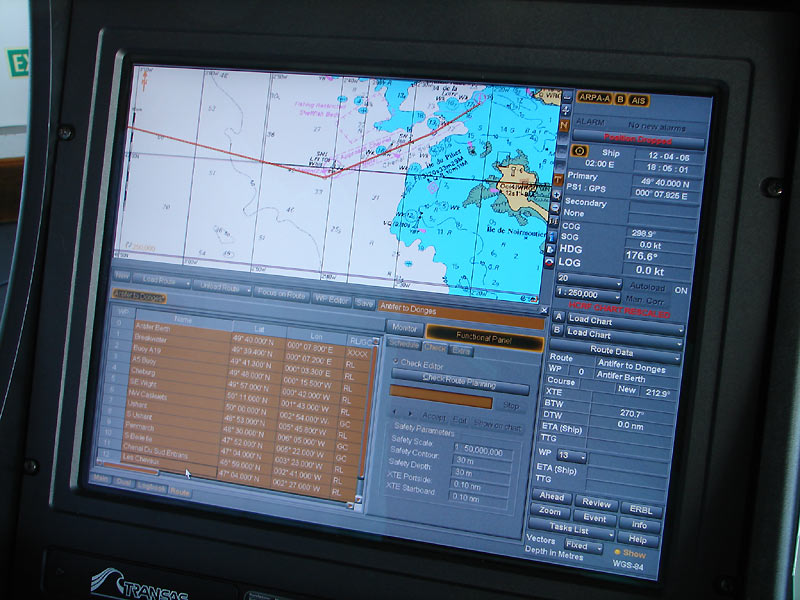
Do not follow the planned track or the boat symbol’s “clear” water until you know whether the mismatch is chart datum (or wrong chart) versus antenna or lost fix. If the unit shows a healthy satellite constellation and a stable fix, but the boat sits on the wrong side of a known buoy when you can see that buoy, treat it as a chart or datum problem first. If the unit will not acquire satellites, the antenna is buried under structure, or the external antenna is missing from the network list, treat it as a fix problem first — even if the chart drawing looks perfect.
Charts can be used from downloaded or stored libraries without a live cellular or satellite-internet link. That does not free the skipper from datum matching. NOAA’s Coast Pilot still requires the plotted position and the chart to share a datum. A satellite internet subscription that refreshes ENCs or notices does not repair a receiver set to the wrong frame, a chart cell for a different harbor, or an antenna that cannot see the sky. Connectivity and geodesy are different layers.
One sourced fact that settles the split
From the NOAA Coast Pilot horizontal-datum pages opened on September 29, 2026: U.S. charts are primarily referenced to NAD 83 and WGS 84, those two are equivalent for charting purposes, and mariners must ensure plotted positions use the same datum as the chart. That is the chart-side test. From the Garmin GPSMAP manual page opened the same day: failure to acquire satellite signals points to software state, sky view for an internal antenna, physical or network connection for an external antenna, and correct GPS source selection. That is the antenna-side test. Keep them separate.
The harmful mistake
The harmful mistake is steering closer to a hazard because the boat symbol and the charted track look clear while the datum or the antenna is wrong, and while no lookout is watching the water. The screen can show open blue water drawn from a mismatched frame, or a stale symbol after the fix drops, and still invite a cut that the chart detail and Rule 5 do not allow. A plotter draws the chart; radar shows returns; AIS shows vessels that transmit. None of them replaces a lookout, and none of them authorizes passing closer to a danger than the chart and the eye permit.
Read next
What marine radar shows that the chartplotter does not
What AIS tells you about another vessel, and what it never will.